
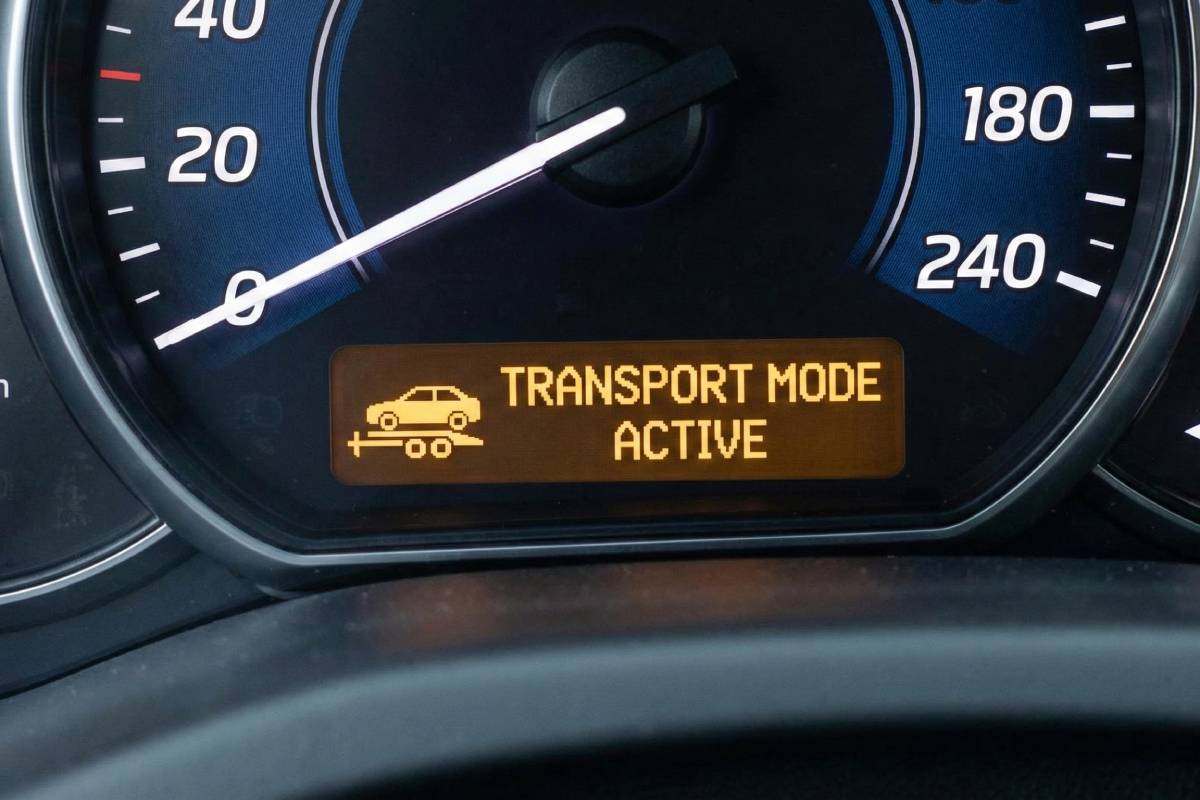
You get into your car, ready to head to work. You start the engine, but instead of the usual dashboard display, you see a confusing notification: “Transport Mode Active.” Suddenly, your radio won’t turn on, the air conditioning is blowing weak air, and the car feels “off.”
Panic sets in. Is the transmission broken? Is this going to be an expensive tow to the dealership? Did you press a wrong button?
Take a deep breath. Your car is likely fine.
“Transport Mode” is not a mechanical failure; it is a deliberate setting designed to protect your vehicle. In this guide, we will explain exactly what this mode is, why it triggered, and how you can often disable it right in your driveway without spending a dime on a mechanic.
What Does “Transport Mode Active” Actually Mean?
“Transport Mode” (also known as Shipping Mode or Logistics Mode) is a battery-preservation setting used by manufacturers while vehicles are being shipped from the factory to the dealership. It aggressively minimizes “parasitic power draw” by disabling non-essential electrical systems like the infotainment unit, interior lights, and remote entry to ensure the battery doesn’t die during weeks of transit.
Think of it like putting your smartphone on “Airplane Mode” or “Ultra Power Saving Mode.” The core functions work, but the extras are shut down to save juice.
When you see this message, the Body Control Module (BCM) has restricted electricity flow to specific fuses. It prevents the battery from draining while the car sits idle for long periods.
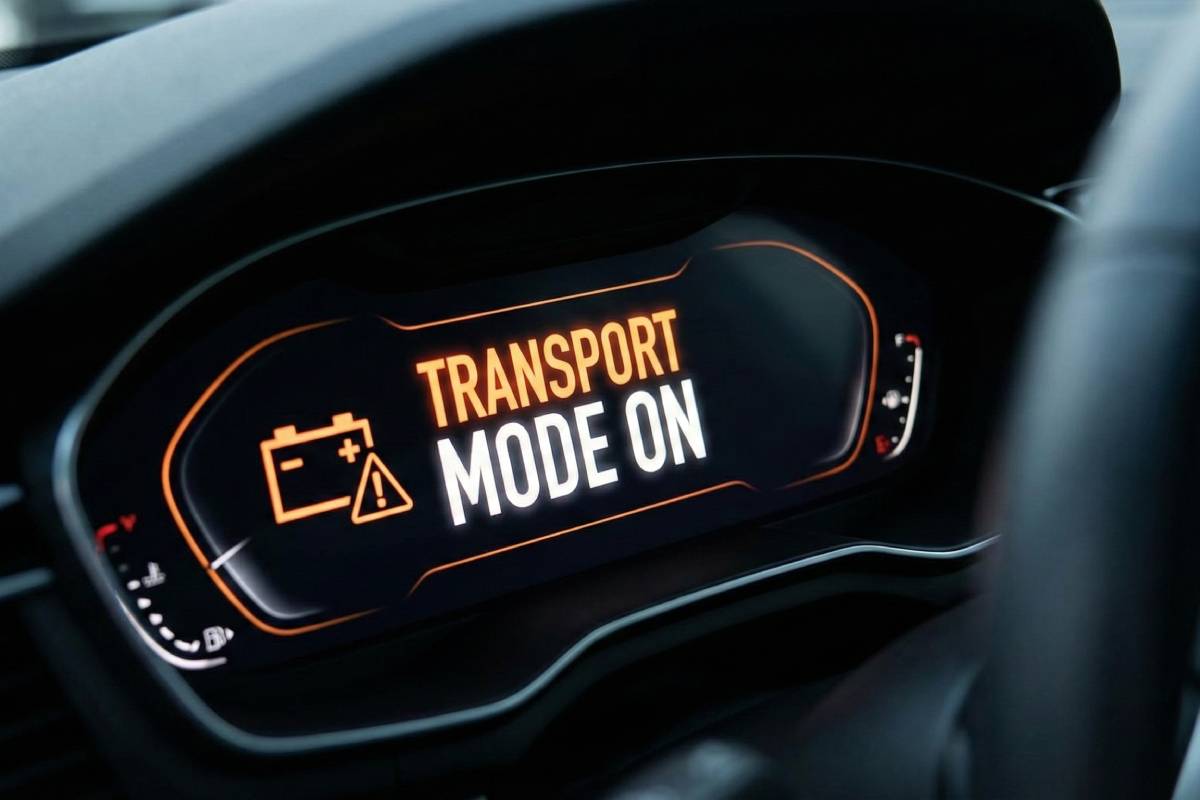
Why Is My Car in Transport Mode?
If you aren’t a truck driver delivering new cars, why are you seeing this? There are three common culprits:
1. Recent Vehicle Shipping or Delivery
This is the most common reason. If you recently purchased a car interstate or moved across the country, the logistics company likely enabled this mode to protect your battery during the long haul.
For example, if you used a professional service like Interstate Towing AU to transport your vehicle across state lines, they (or the dealership sending the car) may have activated Transport Mode to ensure the car started up immediately upon arrival. Sometimes, the receiving party simply forgets to deactivate it before handing you the keys.
2. Low Battery Voltage (Self-Preservation)
Modern cars are incredibly smart. If your battery is old or was drained significantly (e.g., leaving lights on), the car’s computer may panic. To ensure you have enough power to crank the engine one last time, it might automatically revert to Transport Mode to stop all other power drains.
3. Software Glitches
In rare cases, a software update or a “brownout” in the electrical system can reset the Body Control Module to its factory default state, which is often Transport Mode.
Common Symptoms: What Stops Working?
Transport mode doesn’t kill the car, but it makes it very uncomfortable to drive. The specific systems disabled vary by manufacturer, but here is the standard breakdown:
| System | Status in Transport Mode | Why? |
| Engine | Active | To allow loading/unloading. |
| Brakes/Steering | Active | Safety requirement. |
| Radio/Infotainment | Disabled | High power consumption. |
| Remote Key Fob | Disabled | Prevents constant signal searching. |
| Interior Lights | Disabled | Prevents drain if doors are left ajar. |
| Air Conditioning | Limited/Off | The compressor may not engage to save load. |
| Odometer | Hidden | Sometimes replaced by “Transport” text. |
Step-by-Step: How to Turn Off Transport Mode
Disclaimer: Procedures vary by model year and trim. If these DIY steps do not work, you will need an OBD-II scanner or a certified technician.
1. General Motors (Chevy, GMC, Cadillac, Buick)
GM vehicles are the most common culprits for this message.
- Step 1: Turn the ignition to the ON position (do not start the engine).
- Step 2: Turn on the Hazard Lights (flashers).
- Step 3: Press the brake pedal and hold it down.
- Step 4: While holding the brake, push and hold the Start/Stop button (or turn the key) to the “Start” position for 15–20 seconds.
- Result: The “Transport Mode On” message should disappear from the Driver Information Center.
2. Ford & Lincoln
Ford often uses a specific pedal sequence.
- Step 1: Ensure the ignition is ON (Engine OFF).
- Step 2: Press the Brake Pedal 5 times rapidly.
- Step 3: Immediately press the Hazard Light button 2 times (On then Off).
- Result: The horn may honk, or the screen will flash “Transport Mode Deactivated.”
3. Chrysler, Jeep, Dodge, Ram (Stellantis)
Many newer Stellantis models hide this deep in the menu, but some respond to a sequence:
- Method A: Check your fuse box. Some Jeeps have a specific “IOD” (Ignition Off Draw) fuse that is pulled up during shipping. Push it down firmly to seat it.
- Method B: Turn the steering wheel 180 degrees to the right, hold, then 180 degrees to the left. (Less common on 2020+ models).
4. BMW & Audi (The Difficult Ones)
German manufacturers typically require a proprietary scan tool to deactivate Transport Mode.
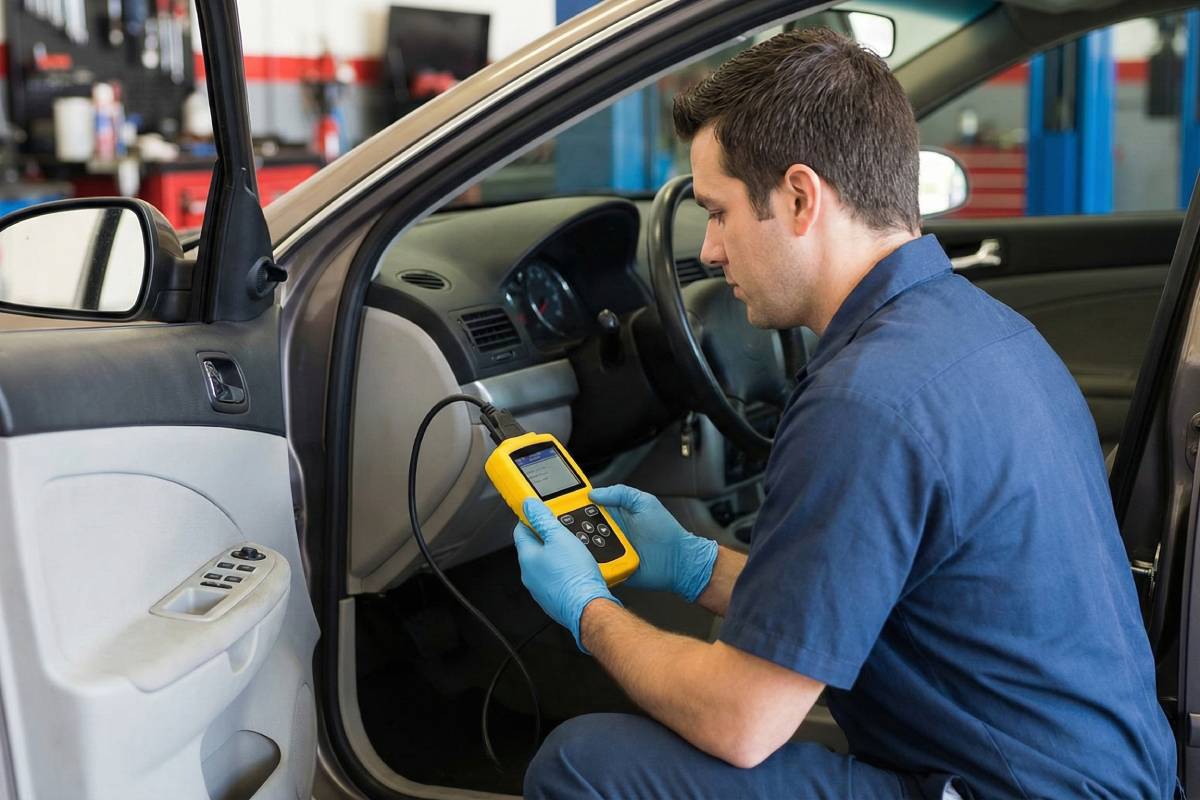
- The Fix: You usually cannot do this with a button combination. You will need an enthusiast-level OBD-II scanner (like VCDS for Audi or BimmerCode for BMW) to access the “Adaptations” menu and change the status from “Factory” to “Customer.”
Critical Difference: Transport Mode vs. Limp Mode
It is vital not to confuse these two concepts, as one is an inconvenience and the other is a mechanical emergency. Knowing the difference determines whether you can drive home or if towing important safety protocols need to be followed immediatel
- Transport Mode:
- Cause: Logistics/Battery saving.
- Effect: Electronics turn off. Car drives normally but is boring (no radio/AC).
- Fix: Button sequence or settings change.
- Limp Mode (Fail-Safe Mode):
- Cause: Major mechanical failure (Transmission, Turbo, Sensor).
- Effect: Car refuses to accelerate past 30mph, RPMs are limited, “Check Engine” light flashes.
- Fix: Stop driving immediately. You need a tow truck.
Conclusion
Seeing “Transport Mode Active” is startling, but it is rarely a sign of a broken car. It is simply your vehicle trying to be efficient, either because it thinks it’s still on a delivery truck or because it’s trying to save a dying battery.
Try the manual reset procedures listed above first. If those work, congratulations—you just saved a trip to the dealership. However, if the message returns within a few days, take it as a warning sign: check your battery health immediately.